Who this comparison is for
Searching for a free vs paid TikTok downloader usually means you tried a Free daily limit, or you need batch creator archives and automatic LIVE recording. KeepTok is a Windows desktop app: Free to start, then Lite, Personal or Pro when your workflow outgrows the free allowances.
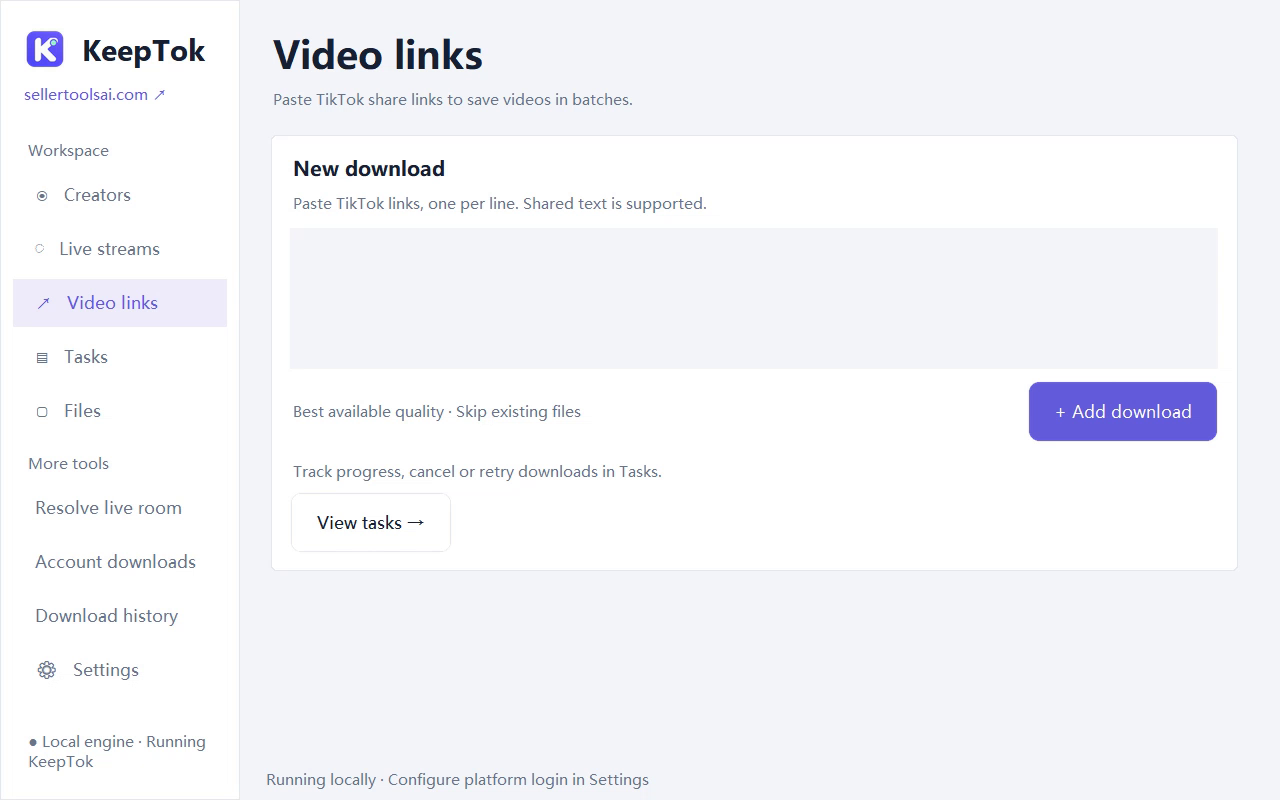
KeepTok Free on Windows
- 10 video downloads per day (link workflow).
- 2 manual LIVE recordings per UTC day, up to 30 minutes each.
- 1 concurrent download.
- Manual LIVE recording only—no automatic creator monitoring.
- Local save folder, Task Center and optional local OBS relay for an accessible LIVE.
Free is ideal for learning the UI and saving a few owned clips each day. Reaching the quota is expected; wait for the UTC midnight reset (08:00 Beijing time) or upgrade.
Lite, Personal and Pro—what you unlock
Lite raises the daily link-download quota and manual recording allowances for occasional heavier use, still without automatic LIVE recording or account batch downloads.
Personal adds account batch downloads of creator posts you may archive, automatic LIVE recording, higher daily download allowance, longer per-recording limits and more concurrent downloads—on one computer installation.
Pro builds on that for teams and dual setups: activation on 2 computers, the highest download concurrency, no plan-imposed recording length cap and the same automatic recording + account batch tools.
- Downloads/day (approx. product limits): Free 10 · Lite 50 · Personal 200 · Pro unlimited by plan quota.
- Manual recordings/day: Free 2 · Lite 5 · Personal/Pro no daily count quota.
- Concurrent downloads: Free 1 · Lite 2 · Personal 3 · Pro 8.
Pricing: one-time PayPal, no auto-renew
Listed one-time USD amounts on the site config are Lite $14.99, Personal $24.99 and Pro $39.99. Always confirm the live amount on the download / pricing page before paying—website paid checkout may still be closed pending payment acceptance.
There is no subscription auto-renewal. After a confirmed purchase you activate with a key in the desktop app. Device moves and refunds follow the published terms.
Open download page pricing ↗Which plan should you pick?
- Stay on Free if a few link downloads and short manual LIVEs cover your week.
- Choose Lite when you hit Free download quotas often but do not need auto-record or account batches.
- Choose Personal for automatic LIVE recording and creator batch archives on one PC.
- Choose Pro for two computers, higher concurrency and long LIVE archives.
Batch download guide ↗ · Automatic LIVE recording guide ↗ · Windows get-started ↗
FAQ: Free vs paid KeepTok
Is KeepTok really free to start?
Yes. The Free plan installs on Windows with daily download and manual-recording limits. No card is required to try the Free allowances.
Do I need Personal or Pro for simple link downloads?
No. Free and Lite cover link downloads. Personal and Pro add account batch downloads and automatic LIVE recording.
Are paid plans subscriptions?
No. They are one-time USD PayPal purchases with no automatic renewal for the selected plan during this product’s lifetime, subject to online validation rules in the terms.
Can any plan download private or restricted TikTok content?
No. Availability follows what your own session and network can access. KeepTok does not bypass platform controls.
Related guides
How to download TikTok videos on Windows ↗ · Local vs online downloader ↗ · Batch download TikTok videos ↗ · KeepTok homepage ↗