What “batch” means in KeepTok
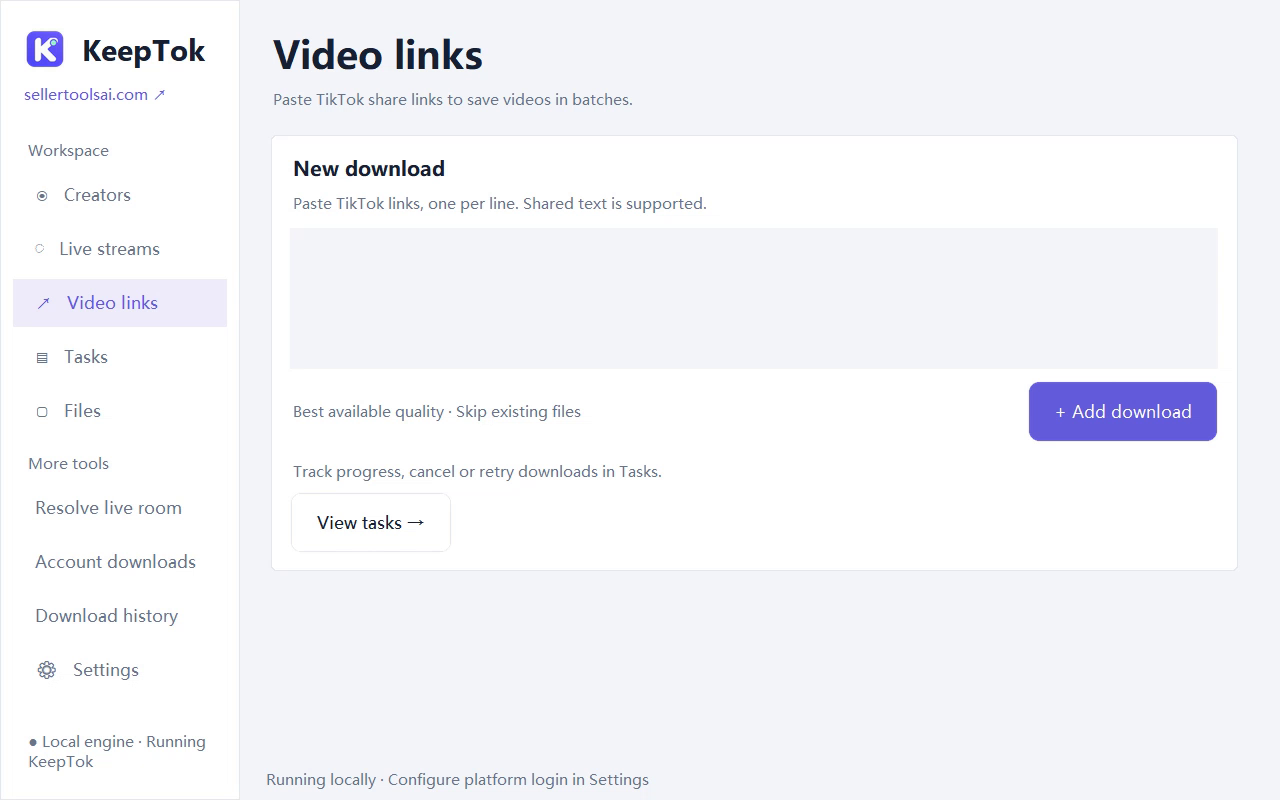
KeepTok lets you browse a creator’s posts on Windows and queue the videos you select, instead of pasting one share link at a time. Account batch downloads are included in Personal and Pro. Free and Lite focus on link downloads with daily allowances.
Free includes 10 video downloads per day. Daily quotas reset at 00:00 UTC (08:00 Beijing time). Reaching the Free limit is expected product behaviour, not a crash.
Before you start
- Install KeepTok for 64-bit Windows 10/11 from the official download page.
- In Settings, choose a writable save folder with enough free space—preferably a local disk, not a full cloud-only path.
- If TikTok requires sign-in, install the KeepTok browser extension, finish TikTok login in Chrome or Edge, then import the session. Run the sign-in check in Settings.
- Confirm your plan in Settings → About & license. Use Personal or Pro when you need account-level batches.
1. Open the creator workflow
In KeepTok, open the workflow that browses creator posts (the batch / account tools available on Personal and Pro). Enter or open the creator you are allowed to archive. KeepTok shows posts you can access with the current session and network—empty lists usually mean access, region or sign-in issues, not a missing “force download” switch.
2. Select videos and queue the batch
Select the posts you need—highlights, a date range you care about, or a curated set for editing—then queue them. Prefer deliberate selection over blindly grabbing everything; it keeps folders tidy and respects daily concurrency limits on your plan.
Watch Task Center for progress, cancels and retries. Concurrency means parallel downloads, not simultaneous LIVE recordings. Keep the PC awake until the queue finishes.
3. Organize the local archive
- Use a clear folder structure, for example by creator name and month.
- Open completed tasks from Task Center to jump to the output folder. Changing the default save path later does not move files from older tasks.
- Play a sample file to confirm picture and sound before deleting source bookmarks.
- Keep enough free disk space; cloud-synced or removable disks can add extra failures.
Free, Personal and Pro—pick the right limit
Free: try link downloads with a daily allowance—good for learning the UI. Lite raises the daily link quota. Personal and Pro add account batch downloads; Pro also allows activation on 2 computers and higher concurrency. Paid plans are one-time PayPal purchases in USD with no automatic renewal.
If a batch stops because you hit a daily quota, wait for the UTC midnight reset or upgrade—do not treat the stop as a parse error.
Compare plans on the download page ↗If the batch fails
Read the Task Center message first. Invalid links, expired sessions, HTTP 403/429 and folder permission errors need different fixes. Re-open the creator page in your normal browser; if TikTok blocks access there, fix sign-in or network before retrying the queue.
Related guides
How to download TikTok videos on Windows ↗ · Local vs online TikTok downloader ↗ · Free vs paid KeepTok plans ↗ · Record TikTok LIVE locally ↗