What “offline” means here
Once KeepTok finishes a download, the video is a normal file in your save folder. You can play it later without opening TikTok in a browser, and without pasting the link into a website again. You still need the original download step, a valid session when TikTok requires one, and enough disk space.
This is not a way to browse the TikTok feed without a network, and it does not recover a post you never saved. For LIVE events, use the recording guides instead of the video-link workflow.
Before you start
- Install KeepTok for 64-bit Windows 10/11 from the official download page.
- Choose a writable local folder in Settings, with enough free space for the videos you plan to keep.
- If TikTok asks you to sign in to view the post, import that session with the KeepTok browser extension.
1. Paste a video link and save it locally
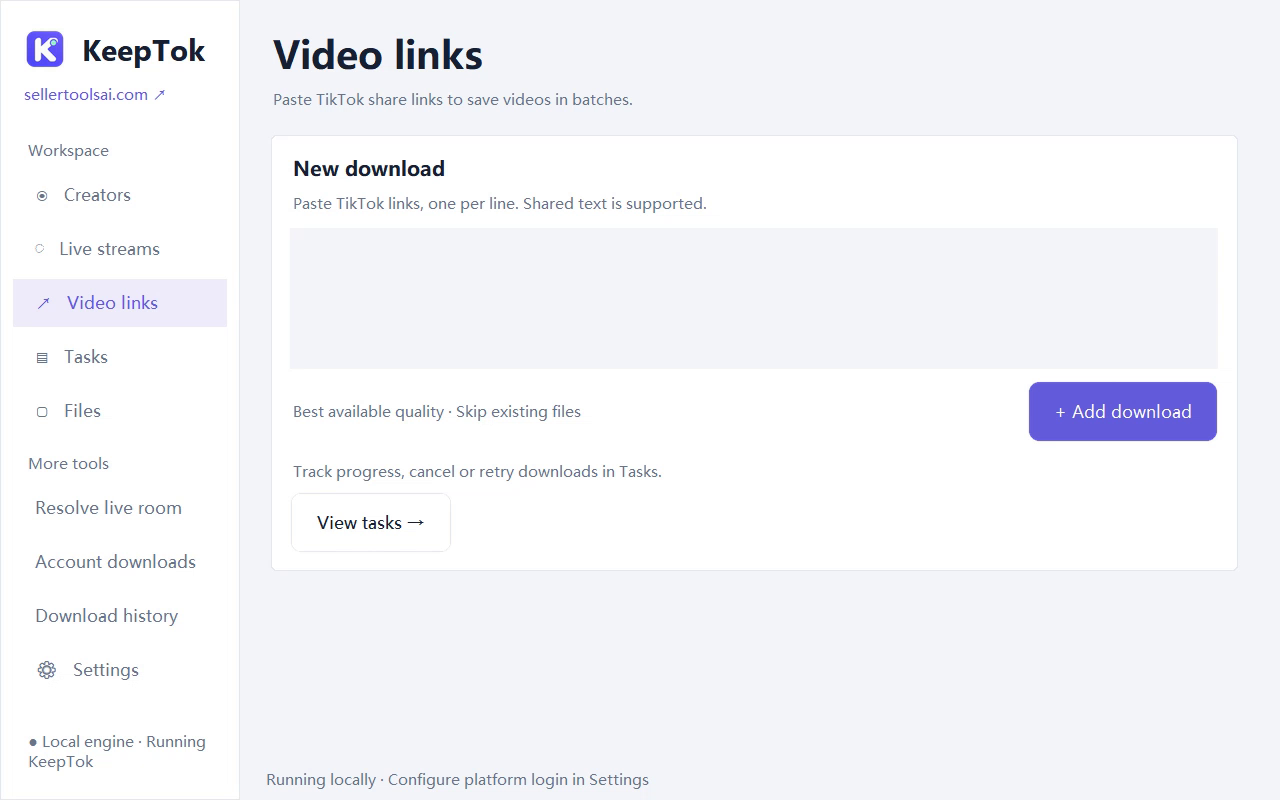
Open the link-download page in KeepTok, paste a supported TikTok video URL, and submit it. Watch progress in Task Center. When the task completes, use the task’s folder shortcut to jump to the saved file.
Free includes 10 video link-downloads per UTC day, which is enough to build a small offline list. Personal and Pro add account batch tools if you need many posts from a profile you are allowed to archive.
2. Open the file and play it offline
You can play finished files inside KeepTok: open Tasks or Files, select the video, and use the built-in player. Closing the player window only stops playback; it does not delete the file. You can also open the same file in File Explorer with the player already installed on Windows.
After the file is on disk, playback does not need TikTok to be open. If a file will not play, confirm the task actually finished, try another player, and re-download if the file was interrupted. KeepTok does not offer pause or partial-file resume.
Storage, quality and what is not included
- Quality follows the source KeepTok can access for that post—not a separate “unlocked” file.
- Photo-post / slideshow downloads are not supported in the current desktop version.
- To record an accessible LIVE for later playback, follow the LIVE recording guide. Those files are local recordings, not link downloads.
Free daily limits
Daily quotas reset at 00:00 UTC (08:00 Beijing time). If you hit the Free link-download cap, wait for the reset or compare paid plans on the download page. Lite raises the daily link quota; batch profile archives need Personal or Pro.
Free vs paid KeepTok plans ↗ · Download KeepTok for Windows ↗
Related guides
How to download TikTok videos on Windows ↗ · Local vs online downloader ↗ · Back up your TikTok videos ↗ · Troubleshooting checklist ↗